Building a recipe
Author a multi-step recipe in the editor.
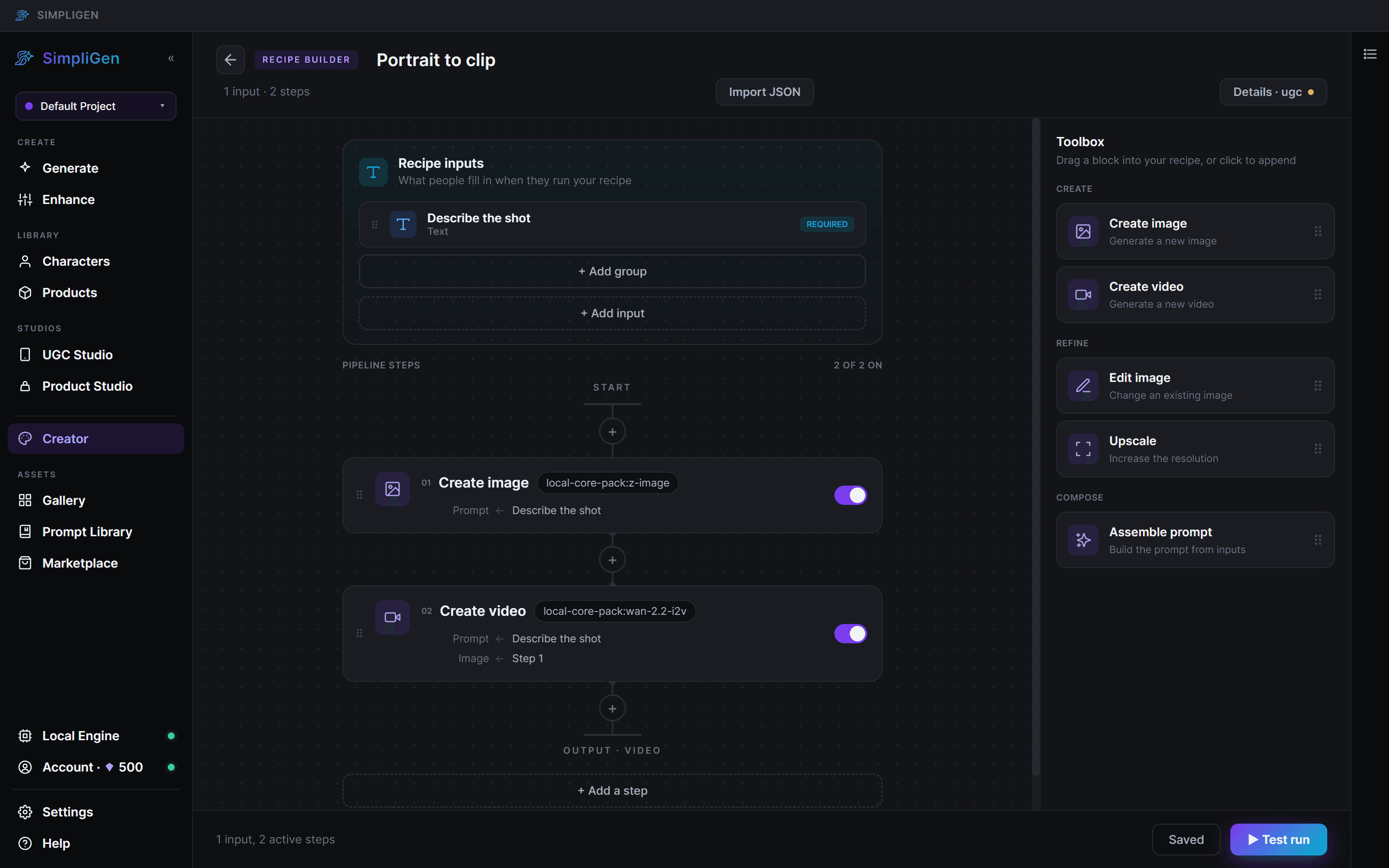
A recipe is a repeatable flow that turns a few simple inputs into a finished result. Where the prompt builder makes one generation, a recipe can chain several steps and expose only the inputs that matter to the person running it. A common shape is: make a character, place it in a scene, then animate it.
Steps
A recipe is a series of steps. Each step runs a preset (an image or video model), and a step can feed its output into the next one. Build the flow in the recipe editor by adding steps and wiring one step's output into the next step's input.
Inputs
Inputs are what the person running your recipe fills in. Keep them simple.
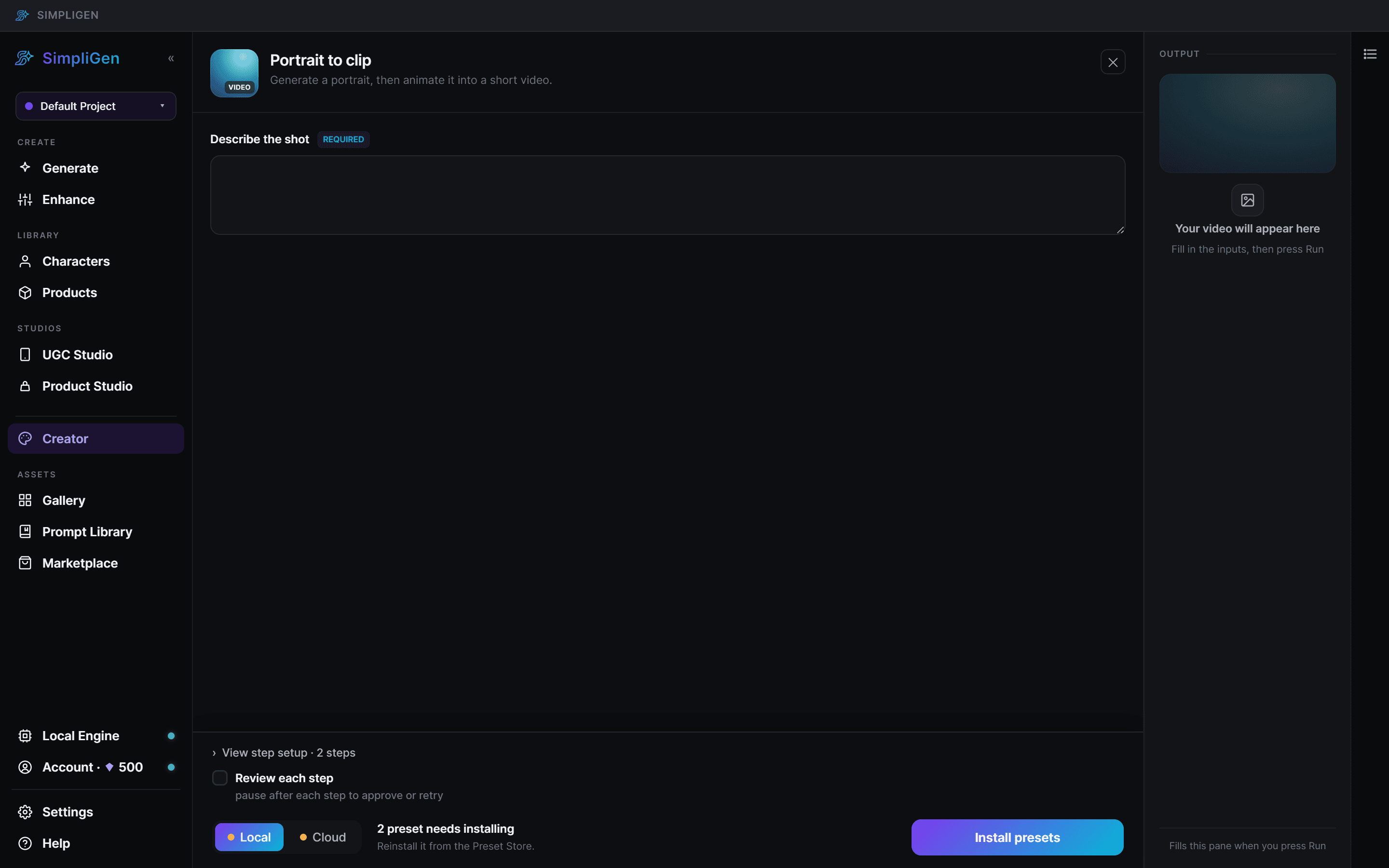
- Required inputs show at the top of the run form.
- Optional inputs live under Customize, so the default path stays short.
Give inputs clear labels and sensible defaults, so someone can get a good result without ever opening Customize.
Test as you go
You can run a recipe to a specific step to check the result before wiring the rest, and re-run a single step while you iterate. Test with real inputs, so you catch the issues your users would hit.
Draft and publish
Your recipe has a draft you edit freely, and once published, a published version that is what users install. The editor shows when your draft has changes that are not yet published, lets you compare against the published version, and lets you roll back. Nothing you change in a draft affects live users until you publish.