Generating
Reference images
Provide a starting image for image-to-video and image-editing presets.
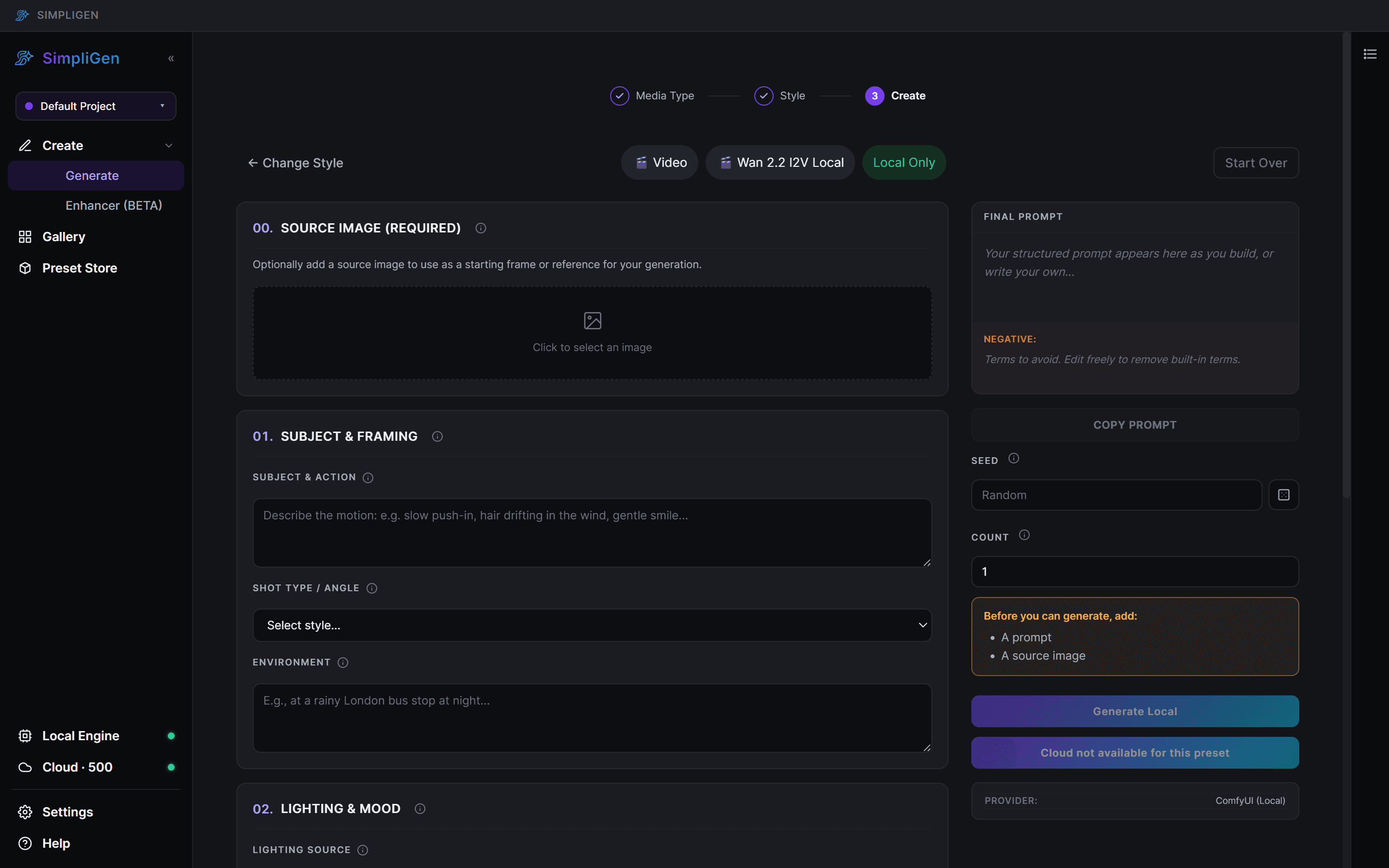
Some presets take one or more images as input rather than working from text alone. SimpliGen shows image slots when the selected preset needs them.
Where reference images are used
- Image-to-video (i2v): one starting image that the model animates. The motion and style come from your prompt.
- First-to-last-frame: a start frame and an end frame, and the model fills the motion between them.
- Image editing presets: one or more reference images to edit, combine, or restyle.
- Animate presets: a character image plus a driving input, depending on the preset.
Adding an image
When a preset needs an image, an image slot appears in the prompt builder. Click it to choose a file from your computer. Presets that accept several references show multiple slots.
Tips
- Use a clean, high-quality source. The output can only be as sharp as the input.
- Match the aspect ratio. If your reference is tall, generate in a tall aspect ratio so the framing is not awkward.
- Let the prompt describe the change or motion, not the parts of the image that should stay the same.
Cloud and local
Reference-image presets work both in the cloud and locally where supported. For heavy image-to-video work, cloud is usually smoother. See Generating videos.