Connecting SimpliGen Cloud
Link your account so you can generate on our GPUs with credits.
SimpliGen Cloud runs your generations on powerful GPUs, so you can create without installing models or a local engine. Connecting takes a few seconds.
Before you start
Make sure your license is activated first. If you have not activated yet, do that, then come back. See Activation issues if you run into trouble.
Connect with an emailed code (recommended)
- Click Connect to Cloud on the connect banner at the top of the content area, or open the Cloud item on the rail's bottom system strip and choose Request code.
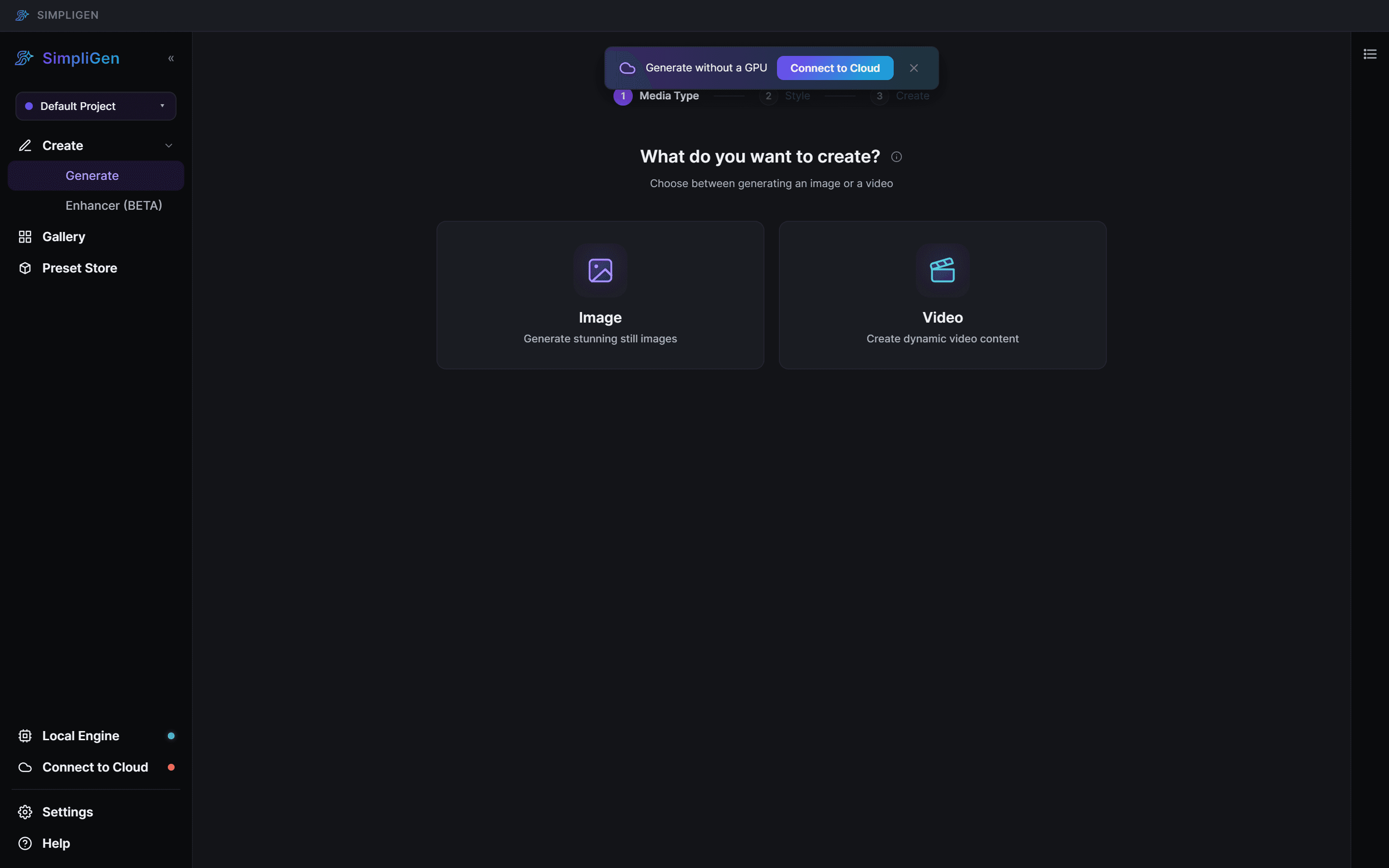
- We email a 6-digit code to the address on your license.
- Type the code into the app.
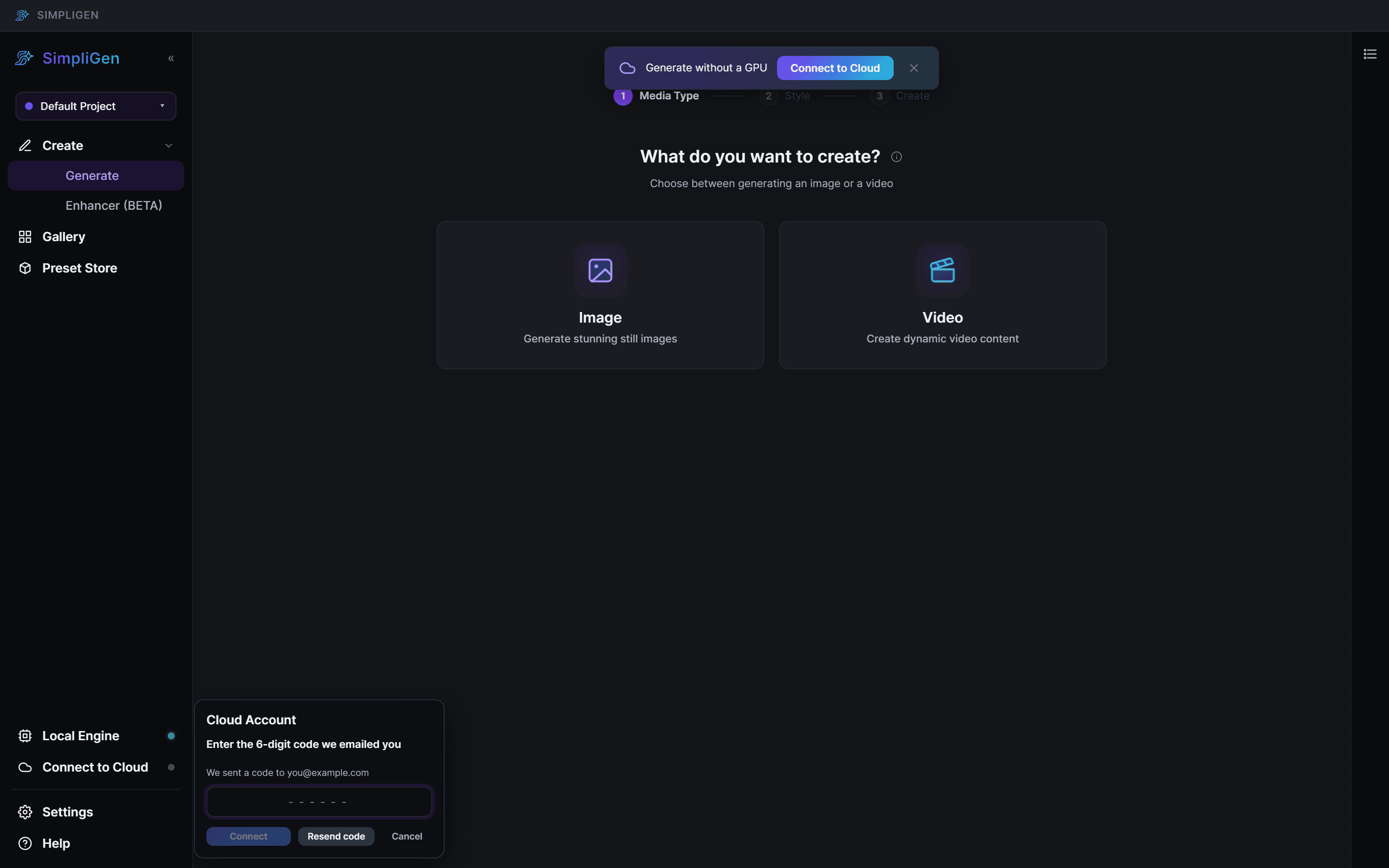
That is it. The Cloud item on the rail (bottom system strip) now shows your credit balance, and cloud buttons appear on supported presets.
Codes are single-use and expire after a short time, so always use the most recent one. If it does not arrive, check spam, wait a moment, and request a new code.
Connect with a key instead
If you prefer, choose Enter a key manually in the SimpliGen Cloud setup modal and paste an API key from your account dashboard. The key starts with sk-simpligen-.
After connecting
- Top up credits if you have not already. See Buying credits.
- Learn what each generation costs in What a generation costs.
- If your connection ever drops, see Managing your cloud connection.